




A perfectly good laptop does not stop working because a date passes. What disappears is the safety net. On October 14, 2025, Microsoft ended regular support for Windows 10, which means no more routine security patches, no feature updates, and no standard technical help for a version that still runs on an enormous number of desktops and laptops.
Microsoft’s answer is Windows 11, and that answer comes with a hardware gate. Plenty of machines built in the late 2010s are fast enough for email, spreadsheets, streaming, and light photo editing, yet they fail the upgrade check. Their owners can pay for a temporary extension, buy new hardware, or look elsewhere. For a growing number of people, “elsewhere” now means Linux.
The Requirements Are the Real Trigger
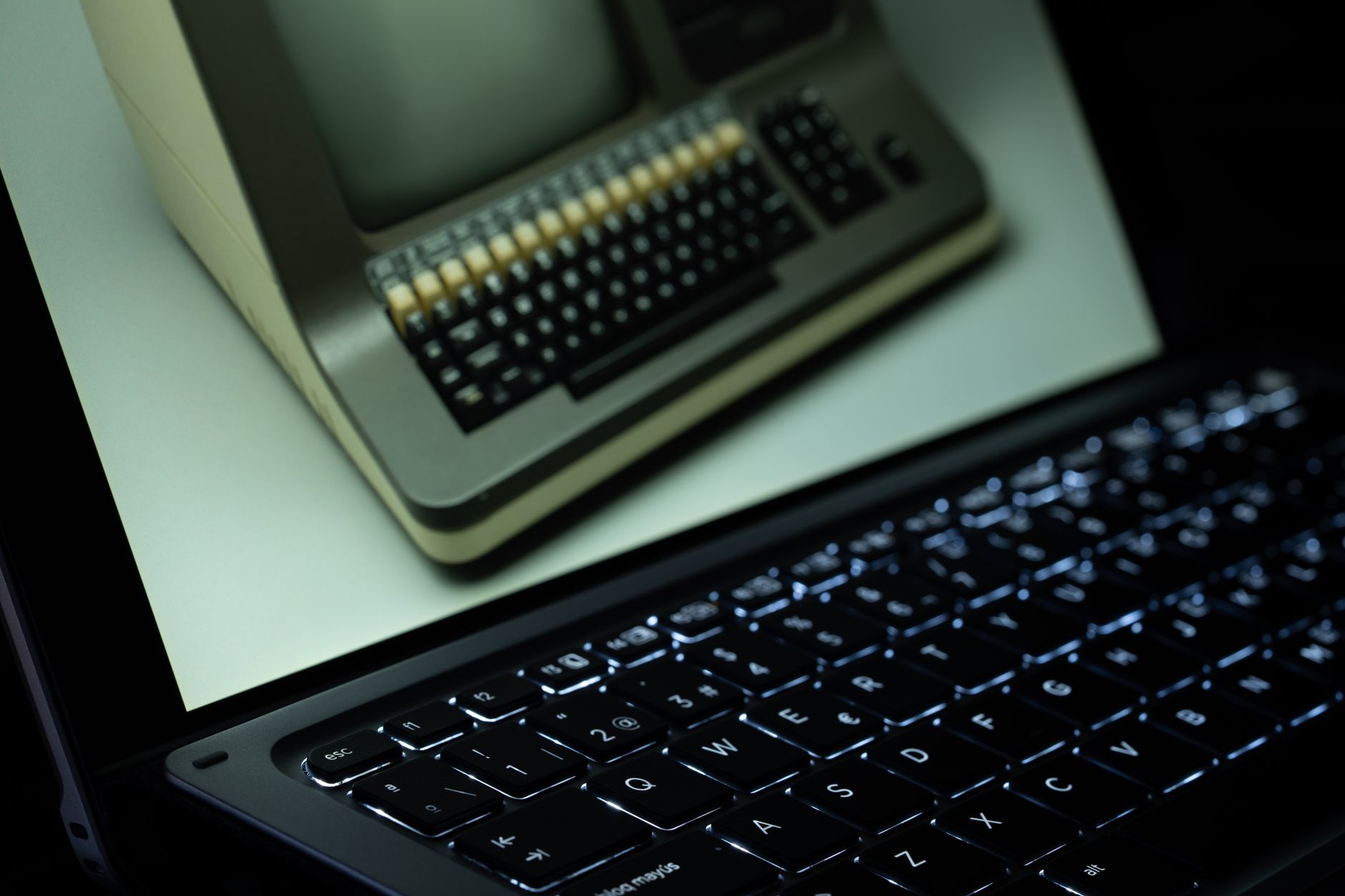
The deadline alone would be an annoyance. The upgrade requirements are what turn it into a decision. Windows 11 expects a TPM 2.0 security module, Secure Boot capability, and a processor from Microsoft’s supported list, and many chips from before roughly 2018 are excluded. A desktop with a fast SSD and plenty of RAM can still be declared ineligible because of a single CPU generation. That feels arbitrary to the person holding the machine, and arbitrary rules tend to make people question their loyalty.
Microsoft does offer a consumer Extended Security Updates program that runs through October 2026, with options that include syncing settings to a Microsoft account, redeeming Microsoft Rewards points, or paying a fee. It is a one-year bridge, not a destination. Anyone who takes it still faces the same question twelve months later, and a year is enough time to start experimenting with an alternative on the side.
What Linux Offers a Former Windows 10 User
The Linux options aimed at newcomers look nothing like the intimidating, terminal-heavy image many people still carry around. Distributions such as Linux Mint, Ubuntu, Zorin OS, and Fedora ship with graphical installers, app stores, and desktops that behave much like the Windows layout. Linux Mint’s Cinnamon desktop, for example, gives you a taskbar, a start-style menu, and a system tray, so the muscle memory transfers almost immediately.
Hardware is where the argument gets practical. Linux does not demand a TPM 2.0 chip, and it does not blacklist processors by age. Lighter desktop environments such as XFCE can make machines with modest RAM and older CPUs feel noticeably quicker than they did under a bloated Windows install. Supported releases keep receiving security updates, and long-term support editions of the major distributions are maintained for years rather than months. A laptop that Windows 11 rejected can end up with a longer secure life than the one it came with.
Software coverage is better than the stereotype suggests. Firefox and Chrome run natively, LibreOffice handles documents and spreadsheets, VLC plays nearly anything, and Steam has a Linux client. Much of modern computing happens inside a browser tab anyway.
There is also a philosophical pull that has nothing to do with specs. A Linux install does not nag you to sign in with an account, does not push bundled services into your menus, and does not decide when your machine reboots for updates. You can try it from a USB stick without touching your existing system, install it alongside Windows, or wipe the drive completely when you are confident. For people who feel they have been herded through a series of upgrade prompts, that sense of control is a large part of the appeal, and for some it matters more than the cost savings.
Where the Switch Gets Difficult
Linux is not a free pass. Desktop versions of Adobe’s Creative Cloud apps do not run natively, and the full desktop edition of Microsoft Office does not either, though the web versions work in a browser. Specialized software for engineering, accounting, or niche industries is often Windows-only, and compatibility layers like Wine are hit-or-miss for professional tools. Gaming has improved dramatically thanks to Valve’s Proton, but titles that rely on kernel-level anti-cheat can refuse to launch at all. If your evenings revolve around one of those games, check before you commit.
The other cost is time. When something breaks on Linux, the fix may involve a terminal command pasted from a forum thread, and the quality of that advice varies widely. Wi-Fi chipsets, fingerprint readers, printers, and Nvidia graphics drivers are the usual troublemakers, and each distribution handles them a little differently. None of this is a dealbreaker for someone patient, but it is a real difference from a system where the manufacturer has already tested everything for you.
How to Test a Switch Without Burning Bridges
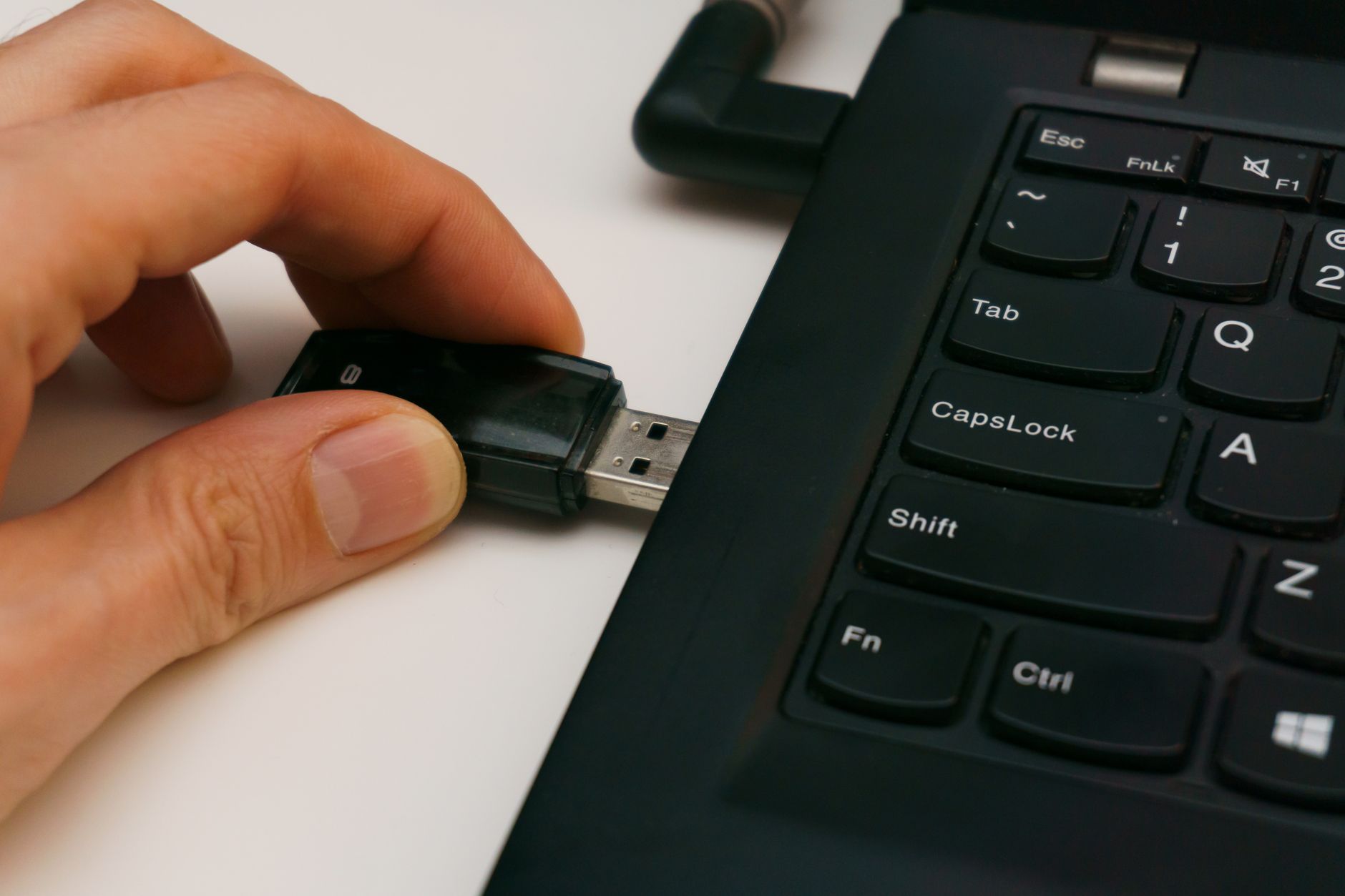
The safest first step costs almost nothing: write a live USB drive and boot from it. Every major beginner-friendly distribution supports running from the stick without installing anything, so you can check whether Wi-Fi connects, sound works, the trackpad behaves, and the machine wakes properly from sleep. Spend an hour opening the apps you rely on, or their web equivalents. If something fundamental fails in the live session, you have lost nothing.
If the test goes well, back up your files before touching the disk, and then decide between a full replacement and a dual-boot setup. Dual booting keeps Windows available for the one program that refuses to cooperate, though resizing partitions carries some risk, which is why the backup comes first. Most mainstream distributions also work with Secure Boot, so the same firmware setting that Windows 11 cares about will not block your install.
A live session can answer whether your hardware works, but it cannot answer whether you will still be happy in six months, when the one obscure program you forgot about turns out to be the one you cannot live without.
Frequently Asked Questions
When did Windows 10 support end?
Microsoft ended regular support for Windows 10 on October 14, 2025. After that date, standard security updates and technical assistance stopped, apart from the Extended Security Updates program.
Can I run Linux on a PC that cannot upgrade to Windows 11?
In most cases, yes. Linux does not require a TPM 2.0 chip or a specific processor generation, so many older machines run beginner-friendly distributions like Linux Mint or Ubuntu well.
How can I try Linux without deleting Windows?
Create a live USB drive and boot from it to test Linux without installing. If you decide to install, you can set up a dual-boot configuration after backing up your files.