




Android phones are quietly undergoing a transformation that brings them closer to desktop computers than ever before. Major manufacturers are rolling out sophisticated file management systems that mirror the functionality of Windows Explorer or macOS Finder, complete with tabbed browsing, advanced search capabilities, and network drive access.
This shift represents more than just an interface upgrade. As smartphones become primary computing devices for millions of users, manufacturers recognize that basic file browsing is no longer sufficient. The latest Android iterations feature desktop-class file managers that can handle complex organizational tasks, batch operations, and even server connections.
Samsung’s One UI leads this charge with its My Files application, which now supports multiple windows, drag-and-drop functionality between folders, and integration with cloud storage services. Google’s own Files by Google has evolved beyond simple storage cleanup to include network browsing capabilities and advanced filtering options that rival traditional desktop file managers.
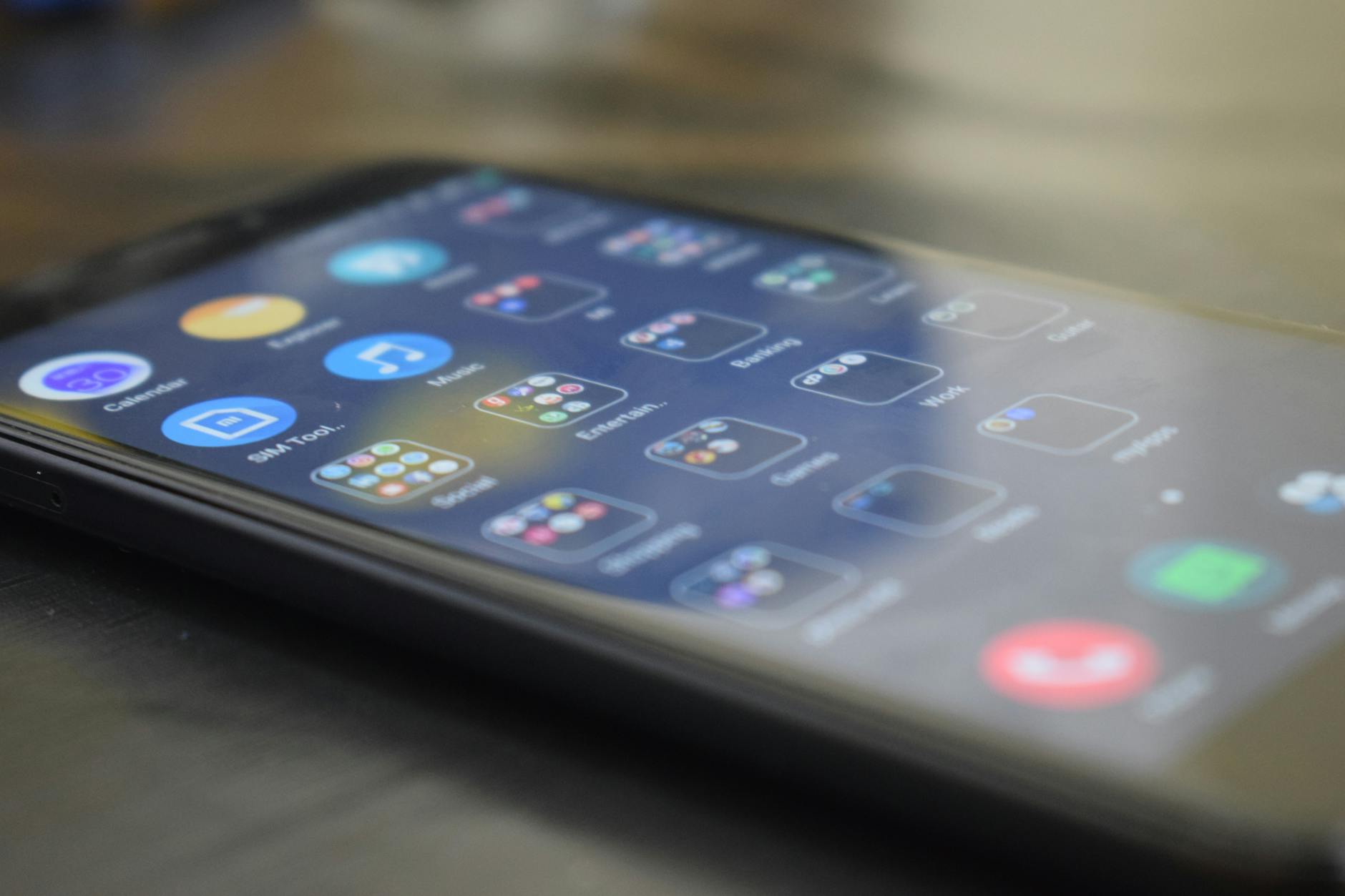
Multi-Window File Operations Transform Mobile Workflow
The most significant advancement comes through multi-window file management, a feature that Samsung pioneered and other manufacturers are rapidly adopting. Users can now open multiple file manager windows simultaneously, copying files between different storage locations with the same ease as desktop systems.
OnePlus and Xiaomi have implemented similar features in their custom Android skins, allowing users to split the screen between different folders or even different storage devices. This functionality proves particularly valuable for content creators who need to organize large media files or professionals managing documents across multiple cloud services.
Recent updates to these systems include keyboard shortcuts for power users, contextual menus that adapt based on file types, and batch selection tools that can handle hundreds of files simultaneously. The improvements extend to thumbnail generation for video files, PDF previews, and even basic editing capabilities for text documents.
These enhancements complement other productivity features that Android phones are gaining, similar to Samsung’s expansion of stylus support across budget models, creating a more comprehensive mobile computing experience.
Advanced Search and Network Integration
Modern Android file managers now feature search capabilities that match desktop applications in both speed and sophistication. Users can search by file type, modification date, size parameters, and even content within documents. Samsung’s implementation includes natural language search queries, allowing users to find “photos from last week” or “documents larger than 10MB” without complex syntax.
Network integration represents another desktop-like advancement. Current Android file managers support SMB and FTP connections, enabling direct access to network-attached storage devices and corporate file servers. This functionality transforms smartphones into legitimate alternatives to laptops for many business tasks.
Google Drive, OneDrive, and Dropbox integration has evolved beyond simple app switching to native file manager incorporation. Users can now manage cloud files with the same interface used for local storage, including offline availability toggles and sync status indicators.
The security implications of these advanced file systems haven’t been overlooked. Manufacturers have implemented permission-based folder access, encrypted storage options, and secure deletion features that overwrite file data multiple times. These enterprise-grade security features make Android phones viable for handling sensitive business documents.
Cross-Device File Sharing and Synchronization
Desktop-style file management extends beyond individual devices through sophisticated sharing and synchronization systems. Samsung’s Quick Share now supports folder-level sharing between Galaxy devices, while Google’s Nearby Share has expanded to include automatic device discovery and background file transfers.
These systems create ecosystems where smartphones, tablets, and computers maintain synchronized file structures without requiring manual intervention. Users can start editing a document on their phone during a commute and continue seamlessly on their desktop computer upon arrival at the office.
Recent developments include support for version control, conflict resolution when the same file is edited on multiple devices, and bandwidth management for large file synchronization. The implementation mirrors enterprise-level document management systems, bringing professional-grade file handling to consumer devices.
The integration extends to external storage devices through USB-C connections that support external SSDs, thumb drives, and even portable hard drives. Modern Android file managers recognize these devices immediately and provide the same interface consistency across all storage types.
Performance Optimization and Future Developments
Behind these advanced interfaces, Android manufacturers have invested heavily in performance optimization. File operations that once required dedicated apps now complete within the native file manager at speeds comparable to desktop systems. Samsung’s latest implementation can copy gigabytes of data while maintaining responsive interface performance.
Memory management improvements ensure that large file operations don’t interfere with other running applications. Background file transfers, automated organization features, and scheduled cleanup operations run without impacting device performance or battery life.
Looking ahead, manufacturers are developing AI-powered file organization that suggests folder structures based on file content and user behavior. Early implementations can automatically categorize photos by location and event, organize documents by project, and identify duplicate files across different storage locations.
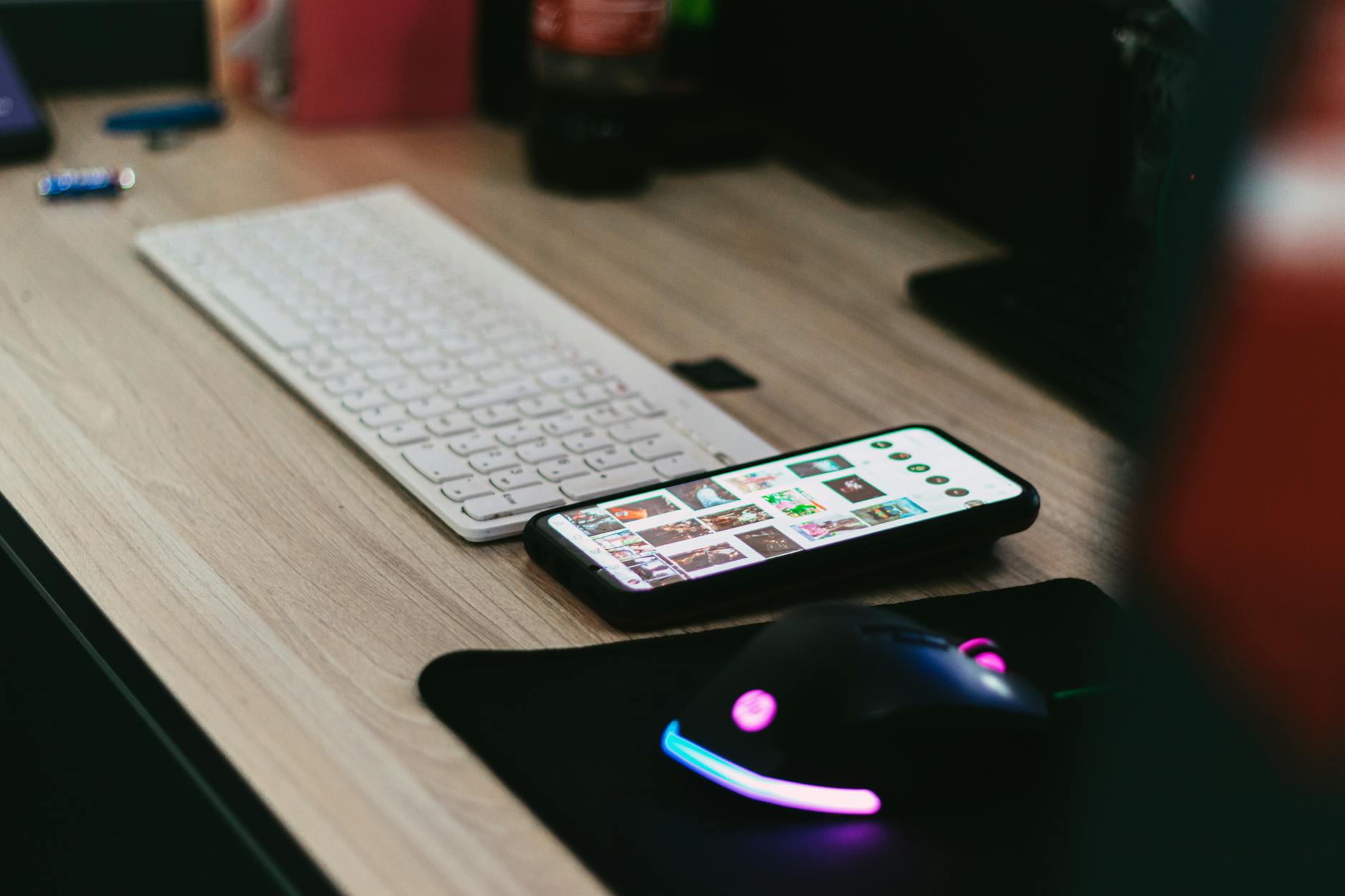
The trajectory points toward Android phones that function as full desktop replacements for many users. As these file management systems continue evolving, the distinction between mobile and desktop computing will blur further. Combined with expanding capabilities in other areas, including advanced camera features for professional use, Android devices are positioning themselves as comprehensive computing solutions rather than communication tools with computing capabilities.
The transformation of Android file management from simple storage browsers to sophisticated desktop-class systems reflects the broader evolution of mobile computing. As smartphones become primary computers for increasing numbers of users, these advanced file management capabilities will likely become standard expectations rather than premium features, fundamentally changing how people interact with digital content on mobile devices.
Frequently Asked Questions
Can Android phones now connect to network drives like computers?
Yes, modern Android file managers support SMB and FTP connections for direct network storage access.
Do Android file managers support multiple windows like desktop systems?
Current Android versions support multi-window file operations with drag-and-drop functionality between folders.