


The quiet revolution happening across America’s university campuses isn’t about student protests or curriculum changes. It’s about desktop operating systems. From the University of California system to major state universities in Texas and Florida, IT departments are quietly migrating thousands of student and faculty computers from Windows to Linux-based desktop environments. This shift represents one of the largest enterprise desktop migrations in recent memory, driven by factors that extend far beyond simple cost savings.
The migration gained momentum in 2023 when several major universities reported successful pilot programs running Ubuntu and other Linux distributions on student lab computers. What started as experimental deployments in computer science departments has expanded to general-use labs, faculty workstations, and even administrative offices. The results have surprised even seasoned IT administrators who expected more resistance to the change.
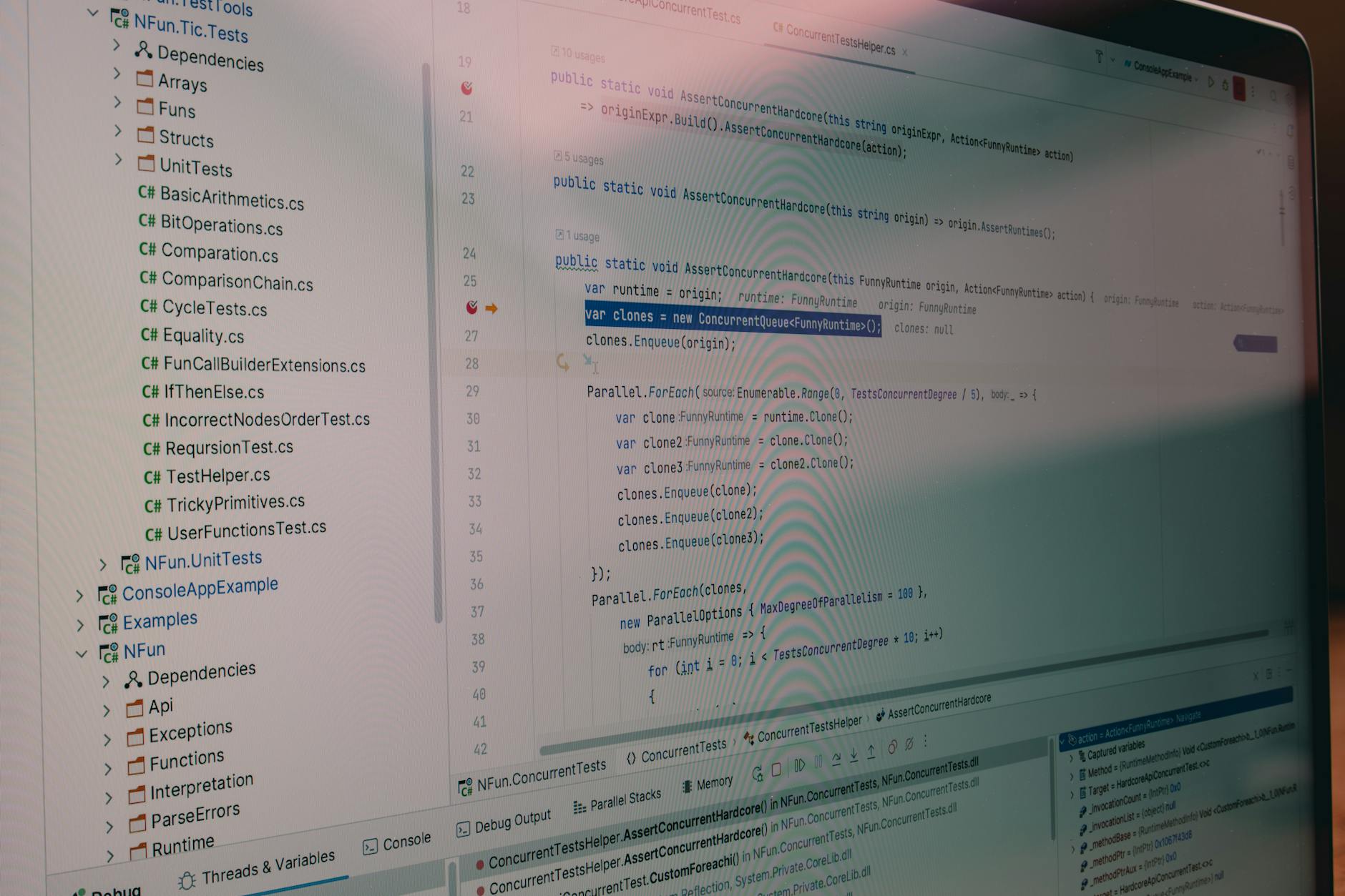
Cost Pressures Drive Initial Adoption
The financial mathematics behind the Linux switch are compelling. Universities typically pay substantial licensing fees for Windows deployments across thousands of machines. When combined with Microsoft Office licenses, antivirus software, and other Windows-specific tools, the annual software budget for a mid-sized university can reach millions of dollars.
Linux distributions like Ubuntu, Fedora, and openSUSE eliminate these licensing costs entirely. More importantly, they reduce the need for expensive third-party security software since Linux systems face fewer malware threats in enterprise environments. The University of North Carolina system reportedly saved over $2 million annually after transitioning 8,000 lab computers to Ubuntu.
But cost alone doesn’t explain why these migrations have been so successful. Universities have attempted Linux desktop deployments before, often with mixed results. The difference now lies in the maturity of Linux desktop environments and the changing software landscape that supports them.
Modern Linux distributions offer polished desktop experiences that rival Windows in usability. Ubuntu’s GNOME environment and Linux Mint’s Cinnamon desktop provide familiar interfaces that require minimal training for users accustomed to Windows. The days of command-line-heavy Linux experiences are largely behind us for typical desktop users.
Software Compatibility Reaches Tipping Point
The software compatibility challenge that once made Linux desktop deployments problematic has largely dissolved. Web-based applications now handle most student computing needs, from Google Workspace and Microsoft 365 online to learning management systems and research databases. These applications work identically whether accessed from Windows, Linux, or macOS.
For specialized academic software, the landscape has changed dramatically. Statistical packages like R and Python run natively on Linux, often with better performance than their Windows counterparts. Engineering applications increasingly offer Linux versions, and many universities have negotiated site licenses for cloud-based alternatives that work through web browsers.
The rise of containerized applications and virtual desktop infrastructure has also simplified software deployment. Universities can now provide access to Windows-specific applications through virtual machines or cloud services when needed, while running the underlying desktop environment on Linux.
LibreOffice has proven particularly successful in university environments. The open-source office suite handles document compatibility with Microsoft Office formats while providing all the functionality most users need. For advanced Office features, universities maintain access to web-based Microsoft 365, creating a hybrid approach that maximizes both cost savings and functionality.

Security and Management Advantages
University IT departments cite security as a major factor in their Linux adoption decisions. Higher education institutions face constant cybersecurity threats, from ransomware attacks targeting research data to credential theft attempts on student accounts. Linux desktop environments present a smaller attack surface than Windows systems, particularly for general-use computers in labs and libraries.
The centralized management capabilities of Linux distributions have also improved significantly. Tools like Ansible, Puppet, and cloud-based management platforms allow IT teams to deploy updates, install software, and maintain security policies across thousands of machines more efficiently than traditional Windows management tools.
Linux systems also prove more resilient in high-traffic environments like computer labs. Students can’t easily install unauthorized software or accidentally compromise system stability. When problems do occur, reimaging a Linux workstation typically takes less time than restoring a Windows machine to a clean state.
The reduced hardware requirements of Linux distributions extend the useful life of university computer hardware. Machines that struggle with recent Windows versions often run smoothly with lightweight Linux desktop environments, deferring expensive hardware refresh cycles.
Student and Faculty Adaptation
Initial concerns about user resistance have proven largely unfounded. Students, particularly those in technical fields, often embrace the opportunity to learn Linux skills that prove valuable in their careers. Many computer science and engineering programs now prefer Linux environments since they better reflect the systems students will encounter in professional settings.
Faculty members in research-heavy disciplines appreciate Linux’s powerful command-line tools and native support for programming languages commonly used in academic research. The ability to customize desktop environments and install specialized software packages without licensing restrictions has proven popular among power users.
Universities report that basic productivity tasks require minimal adjustment for users switching from Windows to Linux. Email, web browsing, document editing, and media playback work similarly across platforms. For users who need Windows-specific applications occasionally, universities provide access through computer labs or virtual desktop solutions.
The timing of these migrations aligns with broader trends in computing architecture. As we’ve seen with Intel’s latest processor developments and the increasing capability of web-based applications, the distinction between operating systems continues to blur for typical users.
Looking Forward: A Permanent Shift
The university Linux migration represents more than a cost-cutting measure-it signals a fundamental shift in how educational institutions approach desktop computing. As more universities report successful deployments, others are accelerating their own migration timelines. The COVID-19 pandemic’s emphasis on remote learning and cloud-based tools has further reduced dependency on Windows-specific software.
Technology vendors are taking notice. Hardware manufacturers now routinely test Linux compatibility and provide Linux drivers for business-class systems. Software companies increasingly offer web-based versions of their products or native Linux ports to serve this growing market segment.
The success of university Linux deployments may influence other large organizations considering similar migrations. If educational institutions-traditionally conservative in their technology adoption-can successfully transition thousands of users to Linux desktops, other sectors may follow suit.
These university migrations demonstrate that Linux desktop adoption has finally reached a maturity level suitable for large-scale enterprise deployment. With continued improvements in user experience, software compatibility, and management tools, the trend toward Linux in institutional settings appears positioned for continued growth throughout the decade.
Frequently Asked Questions
Why are universities switching from Windows to Linux?
Universities cite cost savings, better security, easier management, and improved software compatibility as key factors driving Linux adoption.
How difficult is it for students to adapt to Linux desktops?
Most students adapt quickly since modern Linux interfaces are user-friendly and most applications are now web-based.
